
⚡
Instant Setup
One command to expose your localhost. No signup required for the free tier.
Expose your localhost to the internet with custom subdomains. No interstitial page. Half the price of ngrok.
# Install (macOS/Linux)
curl -fsSL https://trapdoor.sh/install.sh | sh

# Expose your local server
trapdoor 3000
You'll get a URL like https://abc123.trapdoor.sh that forwards to your localhost:3000.
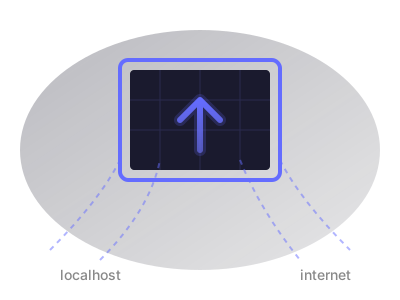
Trapdoor is a localhost tunneling service that exposes your local development server to the internet. It creates a secure HTTPS tunnel from a public URL to your machine, allowing you to share your work, test webhooks, and demo applications without deploying to a server.
trapdoor 3000 to expose your local porthttps://myapp.trapdoor.shYour local server is now accessible from anywhere in the world through an encrypted tunnel.
| ngrok Free | ngrok Paid | Trapdoor Free | Trapdoor Pro | |
|---|---|---|---|---|
| Price | $0 | $8/mo | $0 | $4/mo |
| Tunnels | 1 | 3 | 1 | Unlimited |
| Custom subdomain | ❌ No | ✅ Yes | ✅ Yes | ✅ Yes |
| Interstitial page | ❌ Yes | ✅ No | ✅ No | ✅ No |
| Bandwidth | 1GB | 5GB | Unlimited | Unlimited |
| Requests | 20k | 100k | Unlimited | Unlimited |
ngrok's free tier displays an annoying interstitial warning page that visitors must click through before reaching your site. This breaks webhook integrations, ruins client demos, and looks unprofessional. Removing it costs $8/month.
Trapdoor never shows an interstitial page - not even on the free tier.